
Customer Portal
The Customer Portal lets your customers handle their billing end to end — pay invoices, update details, add payment methods, upgrade, downgrade, buy add-ons — with zero tickets to your team. Now it’s fully yours: match it to your brand, and embed it right inside your product so customers never leave your product.
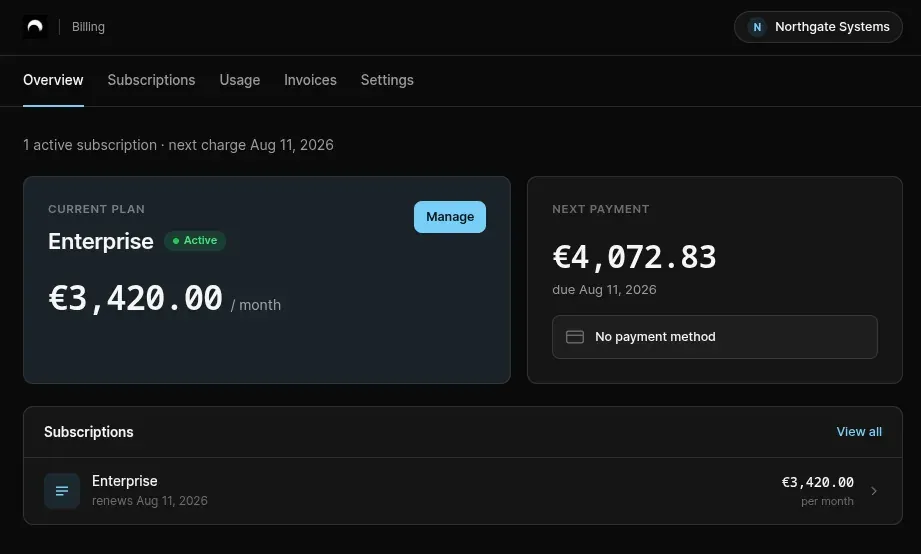
- Make it yours. Logo, accent color, light/dark, corner radius — set per invoicing entity. It applies to the portal, checkout, embeds and shared dashboards alike.
- Embed anything. Drop in the whole portal, or a single widget — invoices, usage, plan, payment methods — with one
<script>, an iframe, or React. - Safe by design. Short-lived, per-customer tokens. Mount on any origin, no domain allowlist.
What your customers can do
A dedicated space where your customers can:
- Track their consumption in real time — a transparent breakdown of consumption and accrued costs, so end-of-month invoices are never a surprise.
- Upgrade, downgrade, or add on — customers change tiers or buy add-ons instantly, in full autonomy, driving expansion revenue without sales intervention.
- Manage payment & billing details — update cards, billing addresses, and payment preferences anytime.
- Access invoice history — view and download past invoices and receipts on demand.
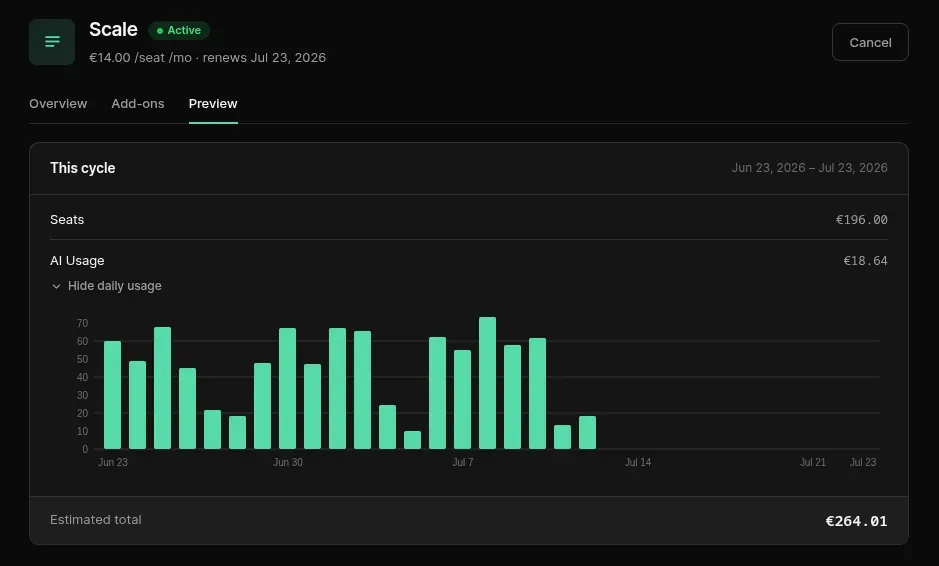
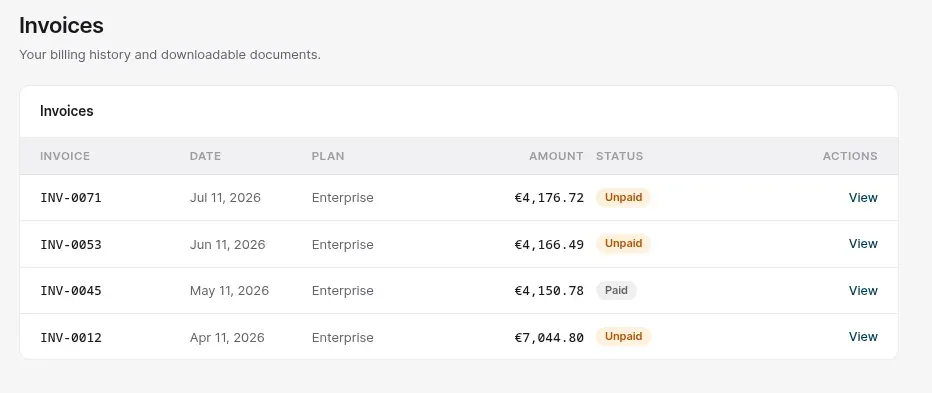
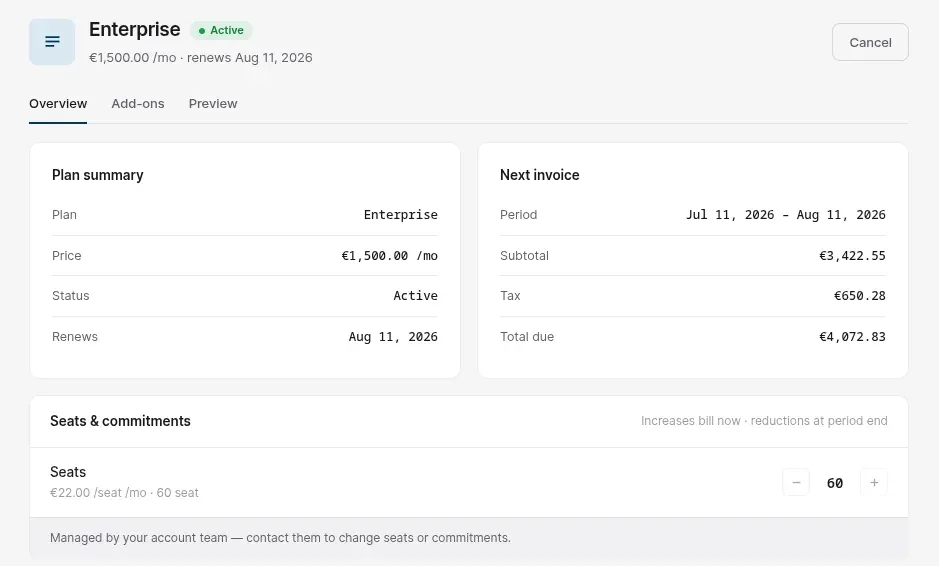
The result: fewer support tickets, more expansion revenue, and a billing experience that feels native to your product.
Getting started
- Customize your look — upload your brand logo and select your accent colors to make it look native, in Settings > Branding.
- Choose your integration — mint a customer token, then use our hosted portal, or drop our embedded iframe code straight into your app.
To read more, check out our documentation on Customer Portal.